

Spy: track accounts
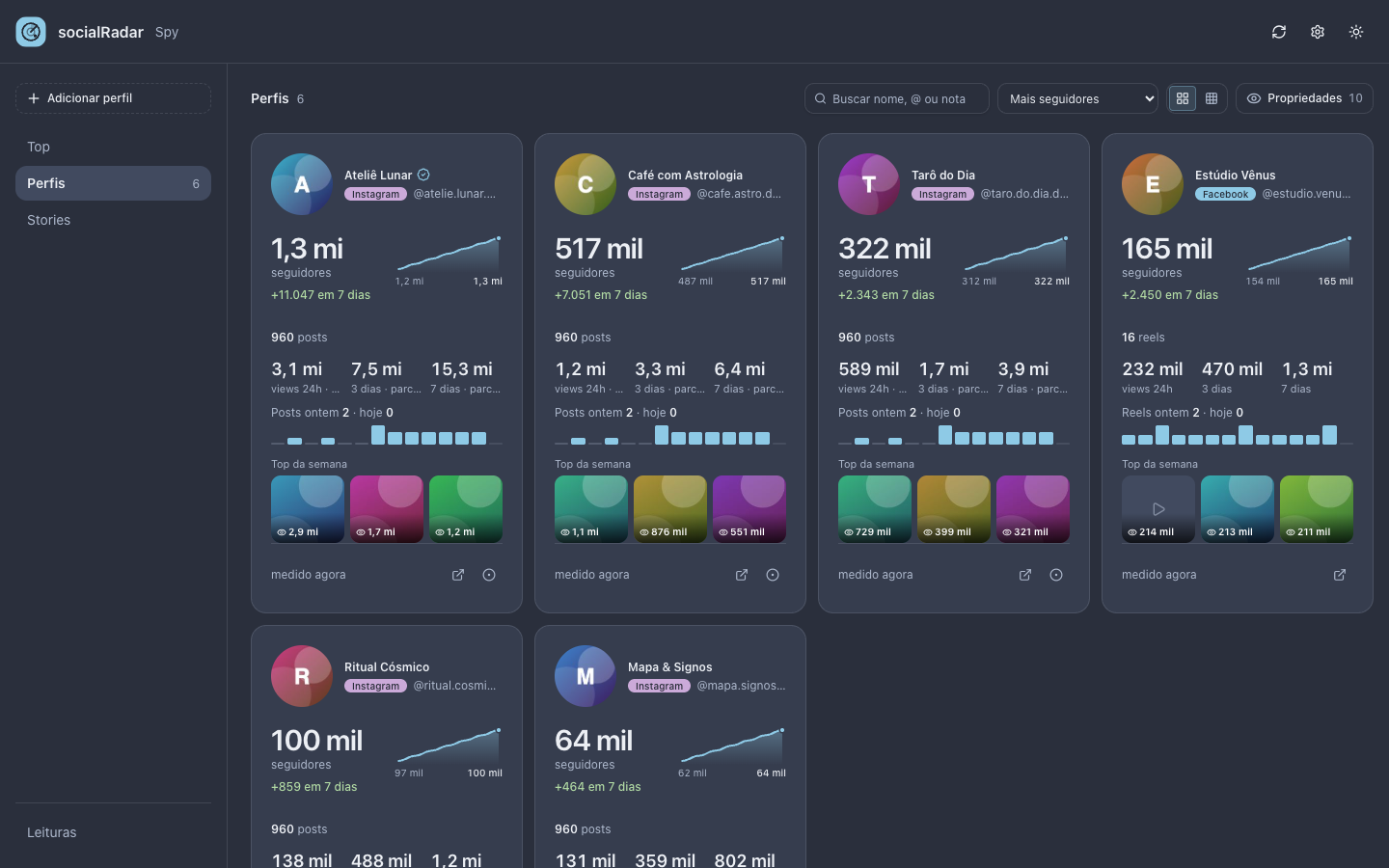
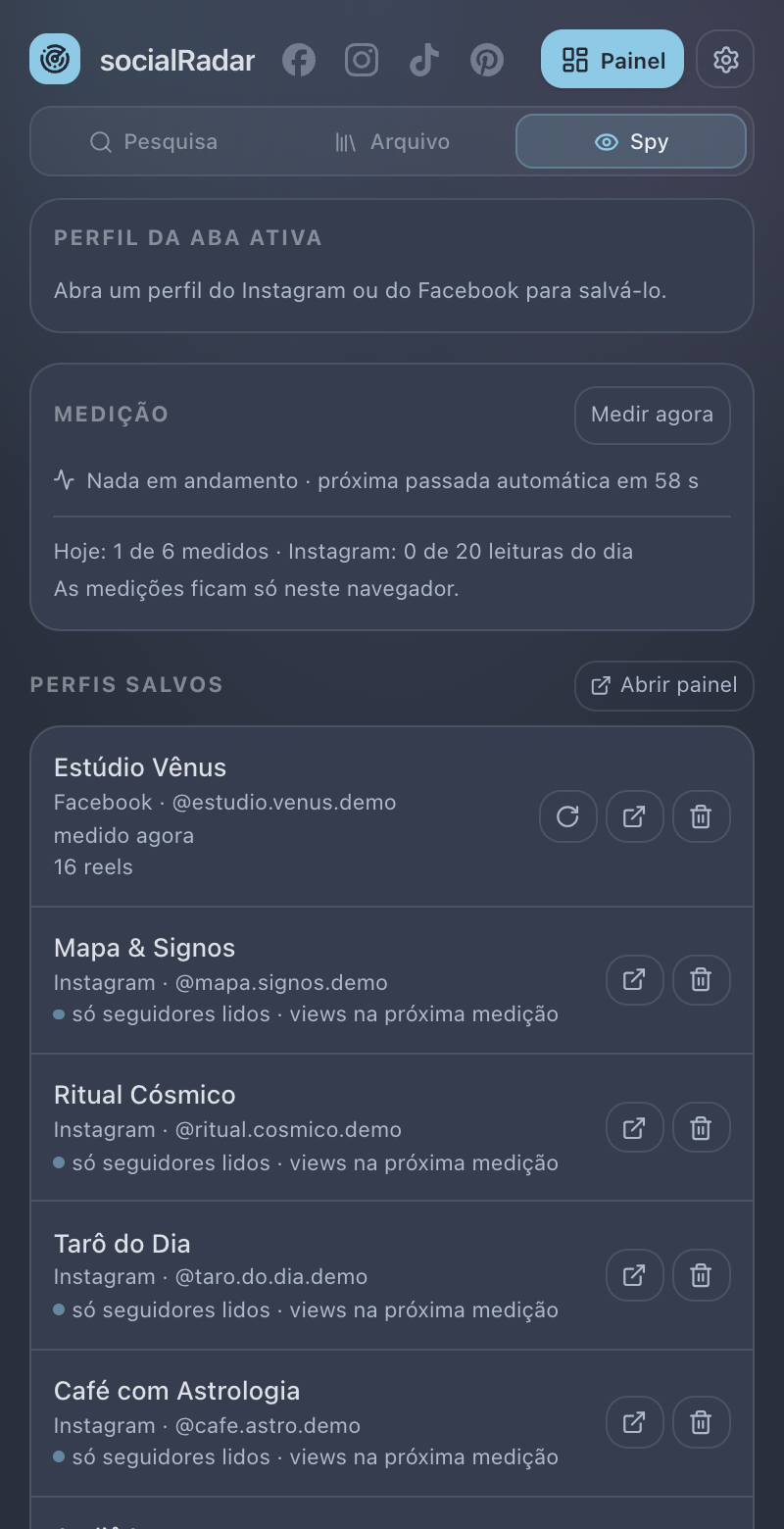
Save Instagram and Facebook profiles in one click. The extension measures them once a day and shows followers, posts per day, views, top posts and the best hours to post on a dashboard of its own.
See the dashboard →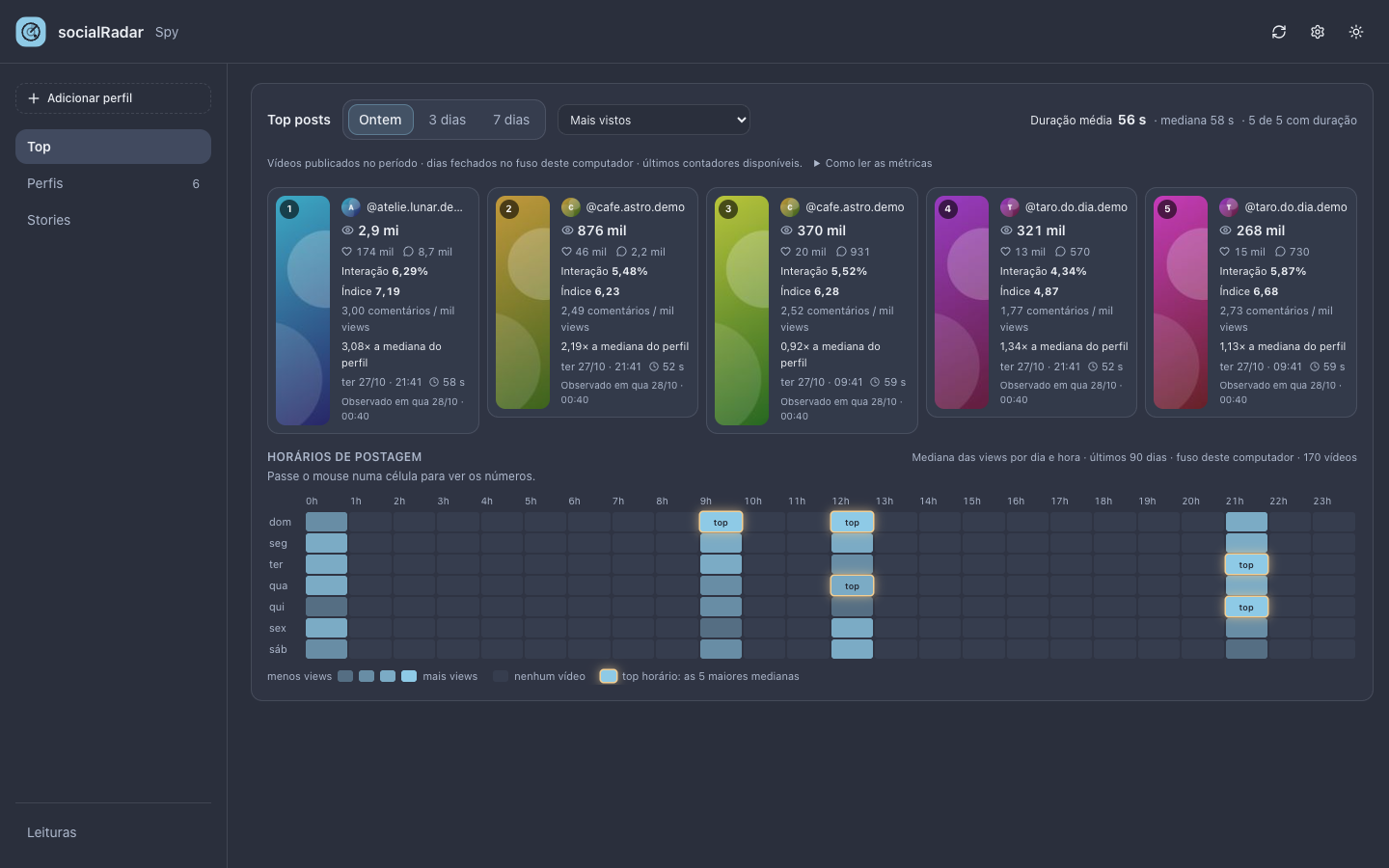
A Chrome side panel that sorts posts by views, downloads videos, transcribes them on your computer and tracks the accounts you care about on a dashboard of its own. Instagram, TikTok, Facebook and Pinterest.
Manual install through developer mode · not on the Chrome Web Store yet
Opening account after account to see what performed eats the afternoon, and the feed never shows posts in the order you need.
Followers and views typed in by hand are out of date in a week, and you never see the trend.
Without saving and transcribing it, the idea gets lost in the scroll and you can't find the hook again.
It works on the page you are already viewing. No copy and paste, no other tab.
Save Instagram and Facebook profiles in one click. The extension measures them once a day and shows followers, posts per day, views, top posts and the best hours to post on a dashboard of its own.
See the dashboard → Order a profile's posts and reels by views, likes or comments, on Instagram, TikTok and Facebook reels.
Save the video, the photos or a whole carousel in one click, straight to your downloads folder.
Whisper runs on your computer: Portuguese, English, Spanish or automatic. Copy it or save .txt and .srt.
A post's whole thread, and on Instagram several posts in a row, in a file to analyse wherever you like.
See and save Instagram and TikTok stories, and keep the stories of the accounts you track for as long as you set.
Hide search results below the engagement you set as you scroll, and download a profile's photos as a ZIP.
Download a whole board, not just the pins you scrolled past.
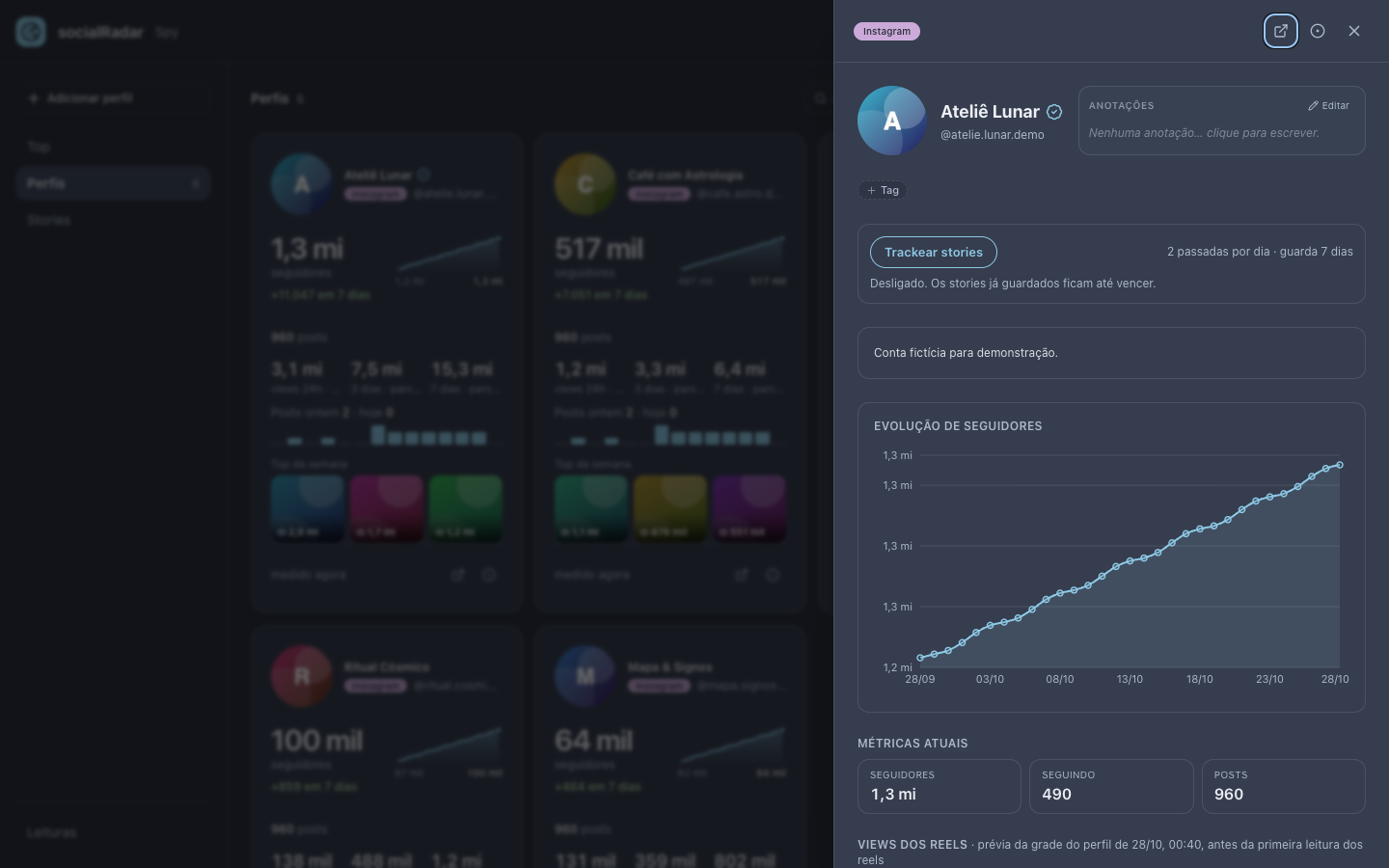
Save a profile from the side panel or from the button on its Instagram page. The rest happens by itself, once a day, in your browser.
Download the zip, unpack it and load it in Chrome (developer mode).
The side panel follows your tab and shows that site's tools.
Sort, download and transcribe. Save profiles to the Spy and open the Dashboard.
Everything runs in your browser: what it reads stays on your computer, files go to your downloads folder, and transcription never sends audio anywhere. The extension only talks to the social networks, with the session you already have open.
GPL-3.0 licensed: the code is public, so you can see exactly what runs in your browser.
The interface is in Portuguese; transcription works in Portuguese, English and Spanish.
Yes. Free and open source under the GPL-3.0 license.
No. There is no socialRadar account. The extension uses the social network sessions you already have open in Chrome.
No. There is no server. Saved profiles, readings, transcripts and settings stay in your browser; uninstalling the extension removes them.
Instagram, TikTok, Facebook and Pinterest for research. The Spy tracks Instagram and Facebook profiles.
Download the zip, unpack it, open chrome://extensions, turn on Developer mode and click Load unpacked. It is not on the Chrome Web Store yet.
The Spy reads at a human pace (one profile every 20–40 seconds) under a daily Instagram limit you set, 20 by default. No tool can promise anything about a platform's rules: use it in moderation.
An AI model (Whisper) ships inside the extension and runs on your computer. Pick Portuguese, English, Spanish or automatic, then copy the text or save .txt and .srt.
Up to 100. Each is measured once a day, and you can also measure now from the side panel.

Free, no account, everything in your browser.